Guides / convert pdf to cad offline
How to convert PDF to CAD offline, with desktop software or no network at all
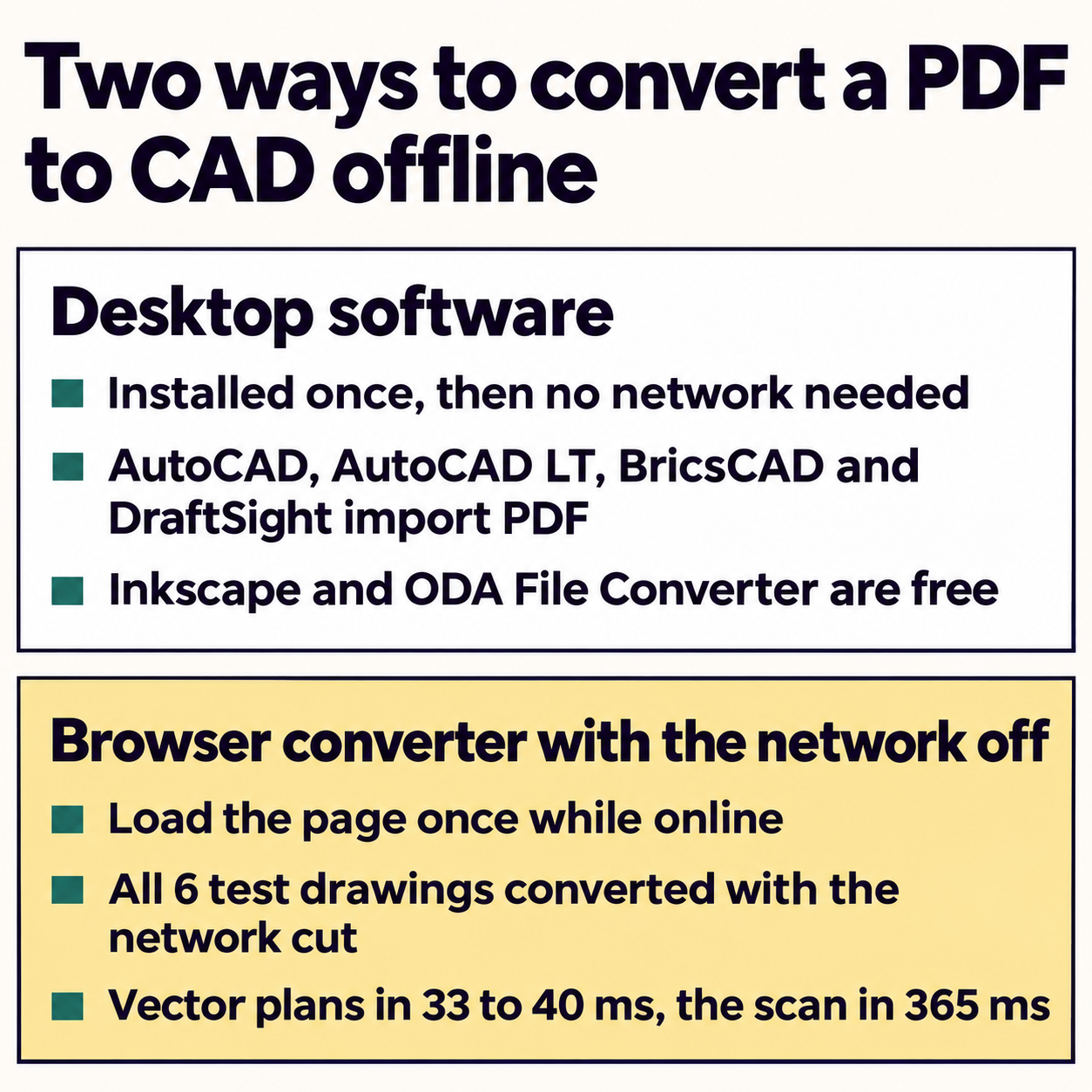
To convert PDF to CAD offline, you need a desktop program that reads PDF vectors (AutoCAD or AutoCAD LT 2017 and later, BricsCAD, DraftSight or Inkscape) or a browser converter that does its work inside the tab. People ask for offline conversion for three reasons: a client NDA that forbids uploads, a site office with a weak connection, and a security policy that blocks web tools on the drafting PC. Each reason points to a different tool, so here is what each one does, tested on real drawings.
Which desktop programs convert PDF to CAD offline?
Every program below runs on your own computer and converts with no connection once it is installed and licensed. Subscription programs check their licence online from time to time, so a PC that never connects needs an offline or network licence from the vendor.
| Program | Command or menu | What arrives | Cost |
|---|---|---|---|
| AutoCAD / AutoCAD LT 2017+ | PDFIMPORT (Insert tab, Import panel) | Lines, polylines, hatches, TrueType text, images | Subscription |
| BricsCAD Lite, Pro, Mechanical, BIM | PDFIMPORT | Polylines and splines, TrueType text as MText, fills as hatches | Licence or subscription |
| DraftSight (from DraftSight21 SP1) | IMPORTPDF (Import tab) | Geometry, text and layers | Paid editions |
| QCAD Professional | PDF import, then Save As DXF or DWG | Vector data and images | One-off licence |
| Inkscape | Open the PDF, Save As DXF R14 | Paths at paper size, no layers per colour | Free |
| ODA File Converter | Folder of DXF to DWG | Converts DXF to DWG, reads no PDF | Free |
Two programs people expect on this list are missing. LibreCAD opens DXF and DWG but has no PDF import, and FreeCAD imports DXF and SVG but has no PDF vector import either. Both work offline once you have a DXF.
BricsCAD’s help lists a detail worth knowing before you choose: SHX text becomes polylines, while TrueType text becomes MText. AutoCAD 2018 and later can turn SHX strokes back into text with PDFSHXTEXT. Without such a command, a plan plotted with SHX fonts keeps its room names as hundreds of tiny strokes.
What did a browser converter do with the network cut?
A browser converter sounds like the opposite of offline. It depends on where the conversion code runs, so we tested it. A script opened the converter on convertpdftocad.com in Chrome, converted one drawing to load the page fully, then switched the browser to offline and converted six test drawings one after another in the same tab.
All six converted. The browser reported itself offline, the DXF files downloaded, and the only requests the page made were for its own PDF reader file, which the browser answered from its cache. No request reached the internet.
Conversion time with the network switched off
| Floor plan, 1:50 | 33 ms |
|---|---|
| Site plan, 1:200 | 34 ms |
| Desk top, 1:5 | 37 ms |
| Machined plate, 1:1 | 39 ms |
| Laser-cut sign, 1:1 | 40 ms |
| Scanned floor plan | 365 ms |
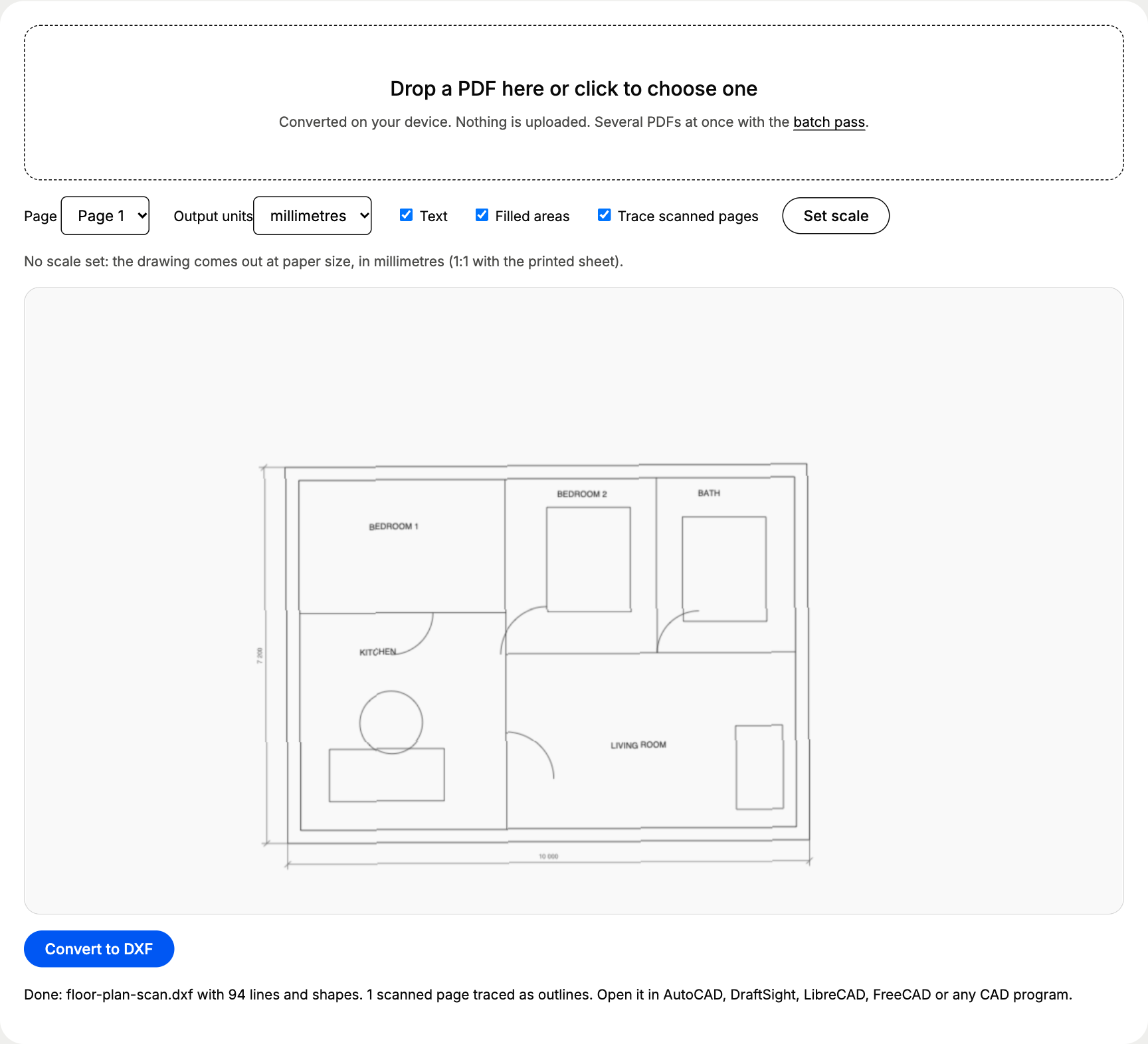
So the browser converter works offline in the sense that matters for an NDA: the file is read and converted on your computer. It still needs a connection to load the page, so open it before you go to the site office and keep the tab open. We tested conversions in a tab that was already open; we did not test reopening a closed tab without a connection.
How do you convert a PDF to CAD in a desktop program?
The steps are close in AutoCAD, BricsCAD and DraftSight:
- Check the PDF is vector. Zoom to 800% on a thin line. Sharp edges mean vector lines; soft pixels mean a scan, which arrives as an image in all three programs. The vector or scanned PDF check takes 30 seconds.
- Run the import command (PDFIMPORT in AutoCAD and BricsCAD, IMPORTPDF in DraftSight) and pick the page.
- Import at scale 1. The PDF stores the paper sheet, so a 10 m wall on a 1:50 plan arrives 200 units long.
- Scale by reference. SCALE, pick a base point, type R, click both ends of a known dimension and type its real length.
- Measure a second dimension far from the first one, then save as DWG.
In Inkscape the steps differ: open the PDF, accept the import dialog, then use Save As and pick Desktop Cutting Plotter (AutoCAD DXF R14). The DXF arrives at paper size with no split by colour, so you still scale it in your CAD program. Our AutoCAD PDF import guide covers every PDFIMPORT option, and the free path to a DWG is in PDF to DWG without AutoCAD.
Is offline conversion more accurate?
The network has nothing to do with accuracy. Two things decide it: whether the PDF holds vector lines, and how you set the scale. On our A3 test plan at 1:50, the 10 000 mm wall measured:
- 9 996.4 mm with the scale set by two clicks on the preview, an error of 0.036%;
- within 0.001 mm with the factor 50 typed in, or with SCALE and the exact factor in CAD;
- 10 038 mm from the traced scan, 0.38% long, because a trace follows both edges of every ink line.
A desktop import gives the same numbers as a browser conversion when the PDF and the scale are the same. Choose by where the file may go and what software you already own.
Which offline option fits your situation?
- You already pay for AutoCAD, BricsCAD or DraftSight: use its import command. It keeps everything inside the program you draw in.
- Client drawings under an NDA, no CAD licence: a browser converter that runs in the tab, opened before you start, or Inkscape plus ODA File Converter if web tools are blocked.
- A drafting PC that never connects: Inkscape and ODA File Converter install from a USB stick and need no licence check.
- Laser and CNC shops: convert, then join and clean the outlines in your CAM program; a 1:1 part drawing needs no scaling.
- Scans: no offline program turns a scan into clean CAD lines. Trace it for a background, then redraw the parts you need.
If cost decides it, our comparison of ways to convert PDF to CAD for free runs the free tools on the same drawing. For a vector PDF you need in CAD today, the free PDF to DXF converter gives you a scaled DXF in under a minute, and the file never leaves your computer.
Questions people ask
Can I convert PDF to CAD offline for free?
Yes. Inkscape is free on Windows, macOS and Linux: open the PDF and save it as Desktop Cutting Plotter (AutoCAD DXF R14). The free ODA File Converter then turns the DXF into DWG, also without a connection.
Which offline program converts PDF to DWG directly?
AutoCAD and AutoCAD LT 2017 or later (PDFIMPORT), BricsCAD Lite, Pro, Mechanical and BIM (PDFIMPORT) and DraftSight from DraftSight21 SP1 (IMPORTPDF). Each one turns the PDF into lines, polylines and text that you save as DWG.
Does a browser converter work without internet?
The one we tested did, once the page had loaded. We cut the network in the open tab and all six test drawings still converted to DXF, the vector ones in 33 to 40 ms.
Is offline conversion more accurate than online conversion?
No difference comes from the network. Accuracy depends on the PDF being vector and on the scale you set: our test plan measured 3.6 mm short over 10 m with a two-click scale and within 0.001 mm with the exact factor typed in.