Handbook / how we test pdf converters
How we test PDF to CAD converters
Every converter review, comparison and list in this handbook comes from the same test: five drawings with known true sizes, converted in each tool and measured in the resulting DXF or DWG. This page lists the files, the measurements and the scoring, so you can check our numbers or repeat the test yourself.
Disclosure: the free converter on convertpdftocad.com is our sister tool, built by the same team. It goes through exactly the same test as every other converter.
Which test files do we use?
| Test file | Sheet and scale | True size | What it catches |
|---|---|---|---|
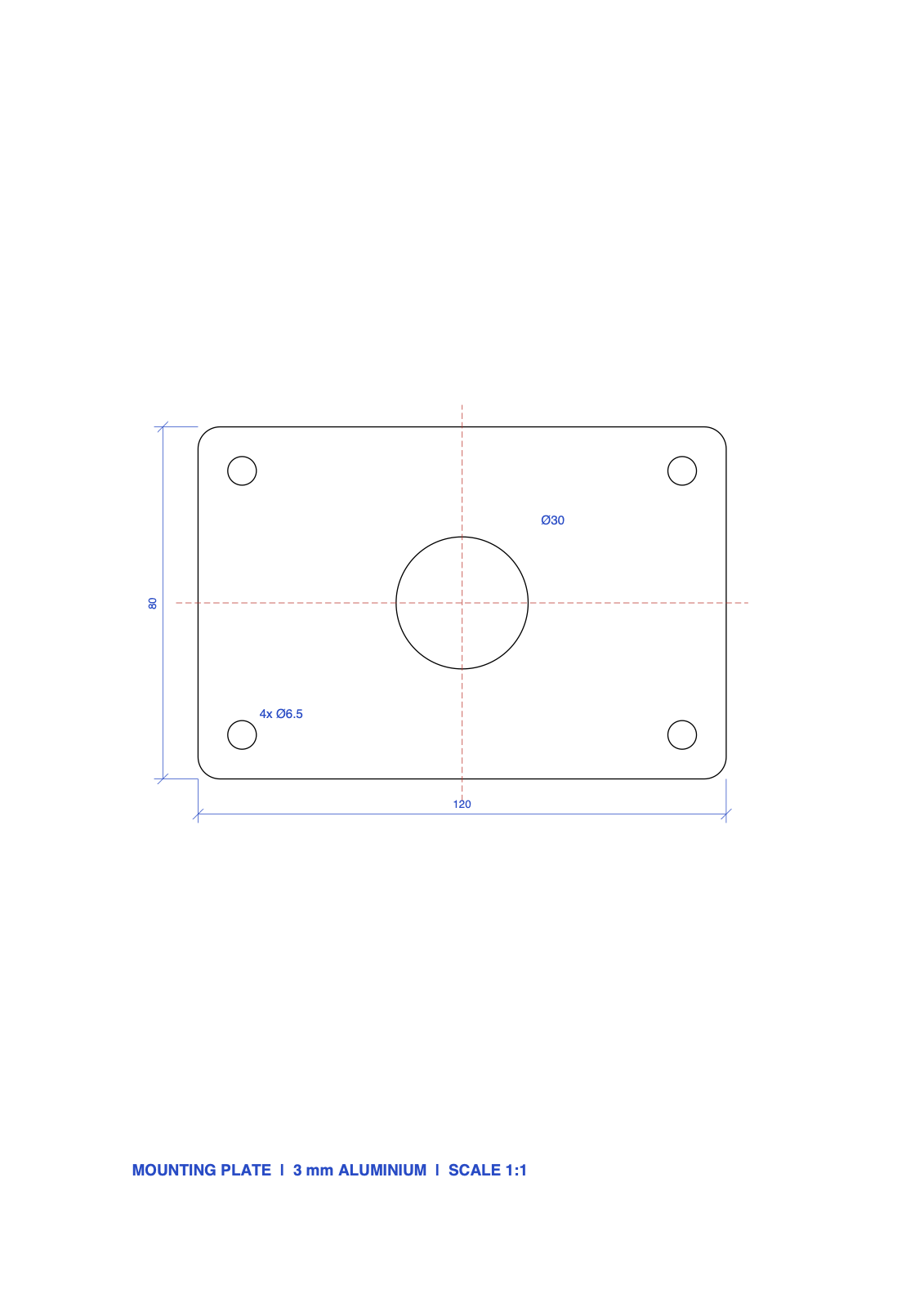
| Machined plate | A4, 1:1 | 120 x 80 mm, holes 6.5 and 30 mm | circle quality, small details |
| Laser-cut sign | A4, 1:1 | 200 x 100 mm | curves, cut and engrave colours |
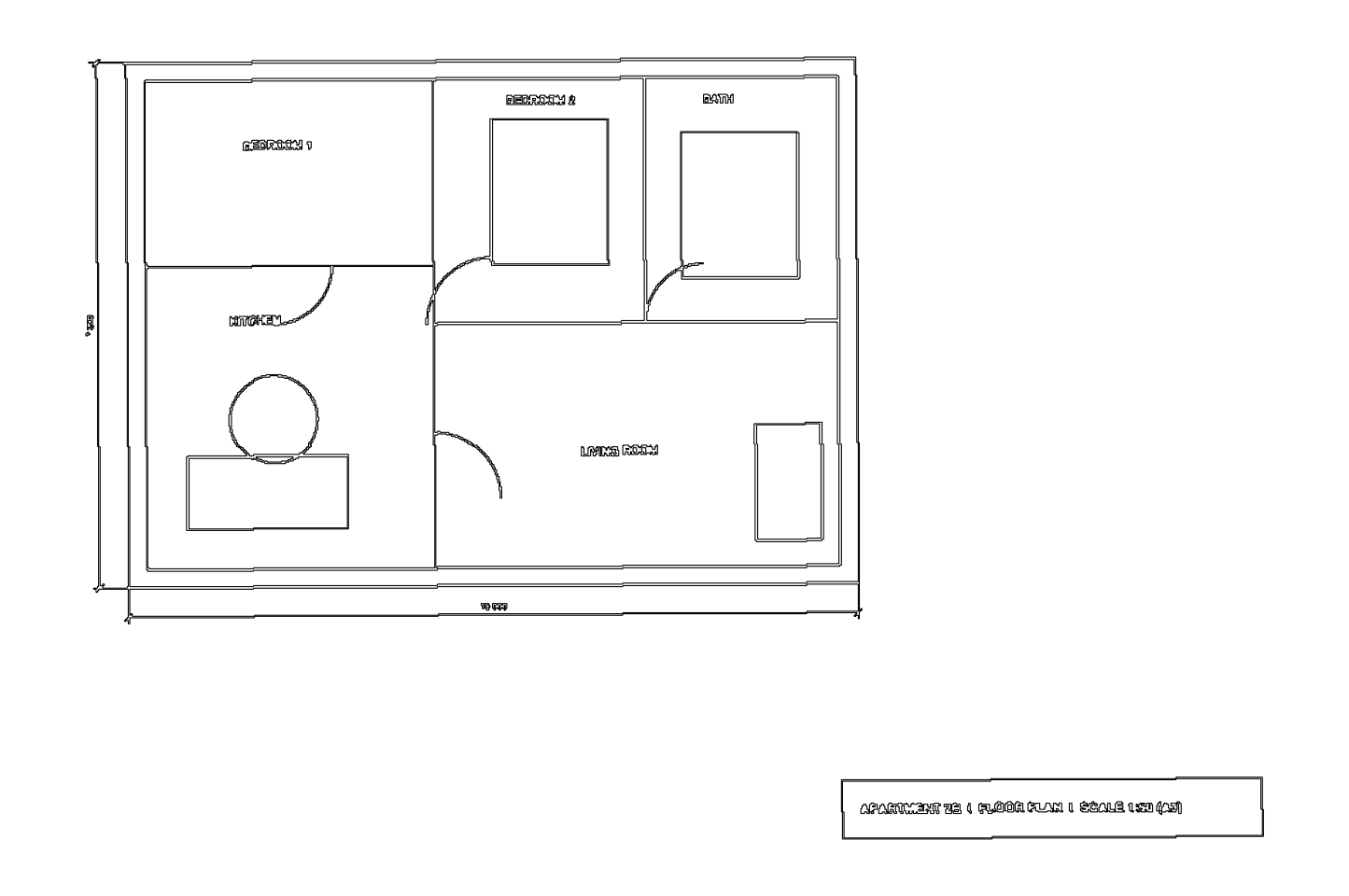
| Floor plan | A3, 1:50 | 10 000 x 7 200 mm | scale, text, doors, layers |
| Floor plan, scaled by hand | A3, 1:50 | 10 000 mm wall | the tool’s scale feature |
| Scanned floor plan | A3, 200 dpi, skewed 0.4 degrees | 10 000 x 7 200 mm | tracing of scans |
The files are drawn with reportlab, a Python library that writes PDFs, so every coordinate is exact. They are typical rather than tricky: a part, a sign and a plan, the three drawings people convert most.
How do we run each test?
The test, step by step
- 1Converteach file in the tool with its default settings, then with its scale feature
- 2Measureoutline, holes and the 10 m wall in the DXF with ezdxf, an open-source DXF library
- 3Auditthe DXF with ezdxf's audit, which reports any structure error a CAD program would trip over
- 4Scorewith the same rules for every tool, then write the review
We note the tool’s version and the test date, and keep the output files. Numbers in reviews are copied from those files, never estimated.
What do the results look like?
Here is the first full run, on our sister converter, as an example of what each review reports.
Error on the 10 m wall of the test floor plan, by method
| Vector PDF, scale 1:50 | 0.0 mm |
|---|---|
| Vector PDF, two clicks | 3.6 mm |
| Scanned PDF, traced | 38.0 mm |
How do we score a converter?
| Criterion | Weight | What earns full marks |
|---|---|---|
| Geometry accuracy | 30% | outlines within 0.01 mm, circles within 0.1 mm |
| Scale handling | 15% | a scale tool or factor that lands within 0.1% |
| Text | 15% | text stays editable, in the right place and size |
| Layers and colours | 10% | one layer per colour or per PDF layer |
| Scanned PDFs | 10% | a usable traced result, or a clear message that the page is a scan |
| Privacy | 10% | files stay on your computer, or a stated deletion time |
| Price and limits | 10% | free for normal drawings, no watermark |
A tool loses points for a watermark, a forced sign-up or a file size limit under 20 MB, because those are the limits our readers hit first.
Can I download the test files?
Yes, and please use them to check any converter, including ours.
| File | DXF from convertpdftocad.com | |
|---|---|---|
| Machined plate | plate.pdf | plate.dxf |
| Laser-cut sign | sign.pdf | sign.dxf |
| Floor plan 1:50 | floor-plan.pdf | floor-plan.dxf |
| Scanned floor plan | floor-plan-scan.pdf | floor-plan-scan.dxf |
The converter’s own results page shows the same numbers in more detail: converter accuracy results. Spotted a mistake or want a tool tested? Send it through the contact form.
Questions people ask
Can I repeat your tests?
Yes. Every test PDF is on this page, together with the DXF our sister converter produced, so you can convert the same file in any tool and measure the result yourself.
Do you test your own converter more kindly?
convertpdftocad.com is run by the same team, and it gets the same files, the same measurements and the same scoring as every other tool. Where another tool does something better, the review says so.
When do you re-test a tool?
Each tool is re-tested when a major version changes its PDF import, and every review is re-checked at least once a year. The date of the last test is on every review.